 TG
TGTravel e-SIM: how it works, how to install it and get online abroad
Mobile data right after landing — no roaming and no hunting for a local SIM. How to check your phone, install an e-SIM before you fly and choose a package.
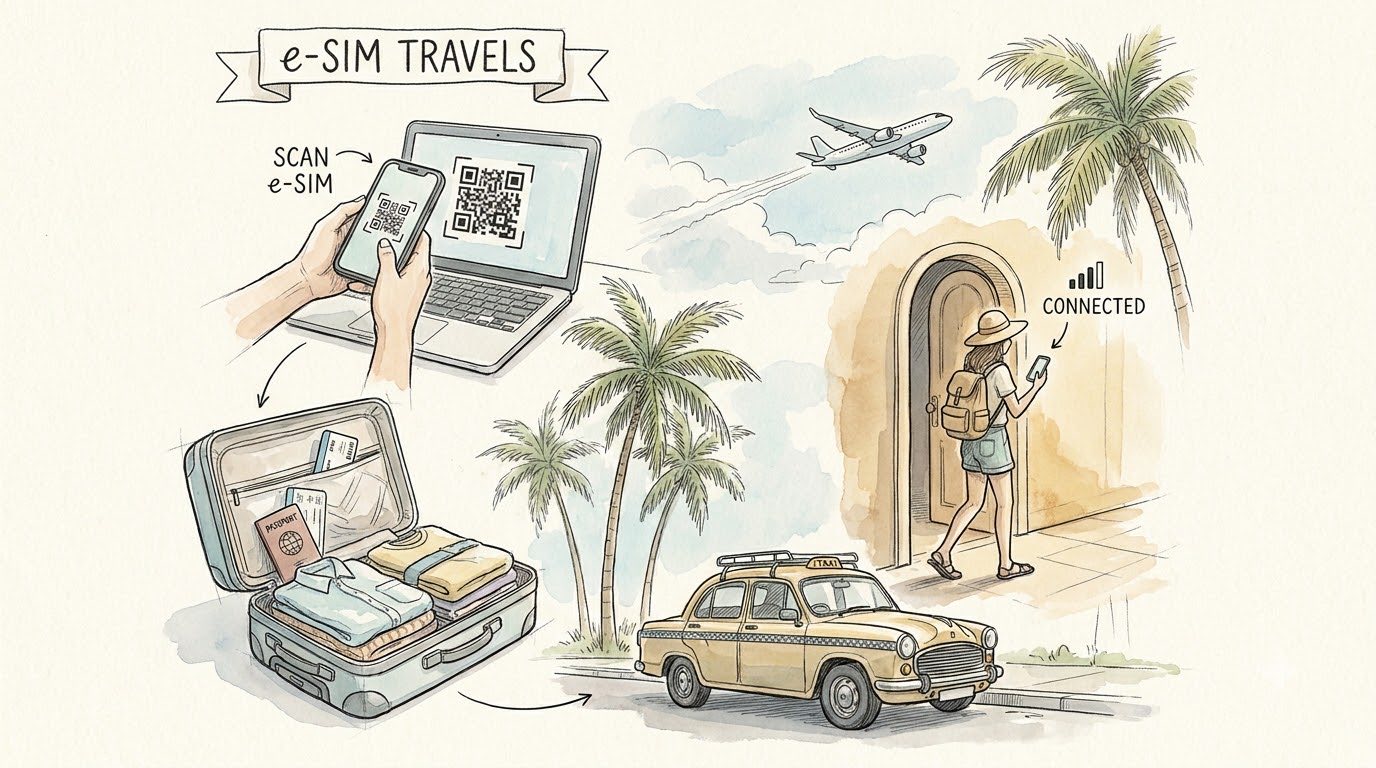
You need mobile data from the moment you land: to call a taxi from the airport, open a map, message your hotel, translate a sign. There are three options — roaming with your home carrier, a local SIM card and an e-SIM. Here is how they differ, how to check your phone and how to install an e-SIM so the internet works right after landing.
What an e-SIM is
An e-SIM is a SIM card built into your phone. There is no plastic card to swap: the carrier profile is downloaded to the phone from a link or a QR code. Your home SIM stays where it is — bank texts and calls reach your number as usual, while your data goes through the e-SIM.
e-SIM, roaming or a local SIM card
- Roaming: nothing to set up, but the price and availability of mobile data abroad depend on your carrier and the country — check the terms in advance
- Local SIM card: you need to find a phone shop and in many countries show your passport. Until then you have no data
- e-SIM: buy and install it before you fly, and the internet works a couple of minutes after landing. You keep your own number
How to check whether your phone supports e-SIM
Most recent smartphones support e-SIM, but not all of them: for example, some models made for the Chinese market do not. It takes a minute to check:
- iPhone: Settings → Mobile Data (Cellular). If there is an “Add eSIM” option, the phone supports it
- Android: Settings → the SIM cards section. Look for “Add eSIM” or “Download a SIM” — the wording varies by manufacturer
- Any phone: dial *#06#. If the numbers on screen include an EID, e-SIM is supported
The second condition: the phone must not be locked to a carrier. If in doubt, send the model to our manager and we will check before payment.
How to install and switch on an e-SIM
- After payment you receive a link or a QR code. Open the link or point the camera at the code — the phone will offer to add the e-SIM
- Installation needs an internet connection, so do it before you fly — at home or at the airport
- Installing early costs nothing: the plan only starts counting from the first connection in the destination country
- After landing, choose the e-SIM for mobile data and switch on data roaming for it. The internet works within a minute or two
- It is best to switch data roaming off on your home SIM so the phone does not use data through it
Which plan to choose
The main option is a package for the whole trip: 15 or 30 days. If you need data for maps, taxis and messengers, a smaller package is enough. If you watch videos, work or share the connection with a laptop, take more.
Ran out of data before the end? No problem: add a per-day plan for as many days as your trip has left.
Where our e-SIMs work
Plans cover the same countries we arrange visas for: Vietnam, India, South Korea, Sri Lanka and Cambodia. Current prices and all packages are on the e-SIM page.
If you are getting your visa with us, you can add an e-SIM to the same request with one tick in the Services section.
Frequently asked questions
- Will I keep my number? Yes. Your home SIM keeps working; calls and texts reach it on your carrier’s terms
- When should I buy? A few days before you fly: install the e-SIM at home and the plan starts by itself when the phone connects to a network in the destination country
- What if my phone does not support e-SIM? Then your options are roaming or a local SIM card. Send the model to our manager and we will check before payment
- How do I pay? There is no payment on the site: leave a request and a manager will contact you and suggest a convenient way
Ready? Choose an e-SIM for your country or message our manager — we will help you pick a package.